

Features

Retro PC design
Brings back memories of days gone by

Powered by 10M+ Pixel Artists
Join millions of pixel creators, browse endless looks and keep your display fresh every day.

Palm-sized & Portable
Easy to carry, looks great anywhere.

Music visuals
Lyrics & EQ that make sound visible.
Cyberpunk Gaming Setup & Digital Alarm Clock

Design 01

Design 02

Design 03
Personalised Financial & Bitcoin Dashboard, Pixel Art for Gaming Room & Office Decor

Multifunctionality


Backside RGB Lights

Function Key Details


Cyberpunk Style

A Retro Computer Reborn for Your Desk

Level Up Your Gaming Setup
Sync custom pixel animations, game-themed visuals and live stream stats—blending aesthetics and functionality.

Create & Share — Join 1 Million+ Users!
Design pixel animations, emojis and widgets with the Divoom pixel art editor and cloud storage.

Sport & Game Stats
Never miss a moment—stay updated with live sports and game stats.

Social Media Tracker
Stay connected to your social world—social media at a glance.

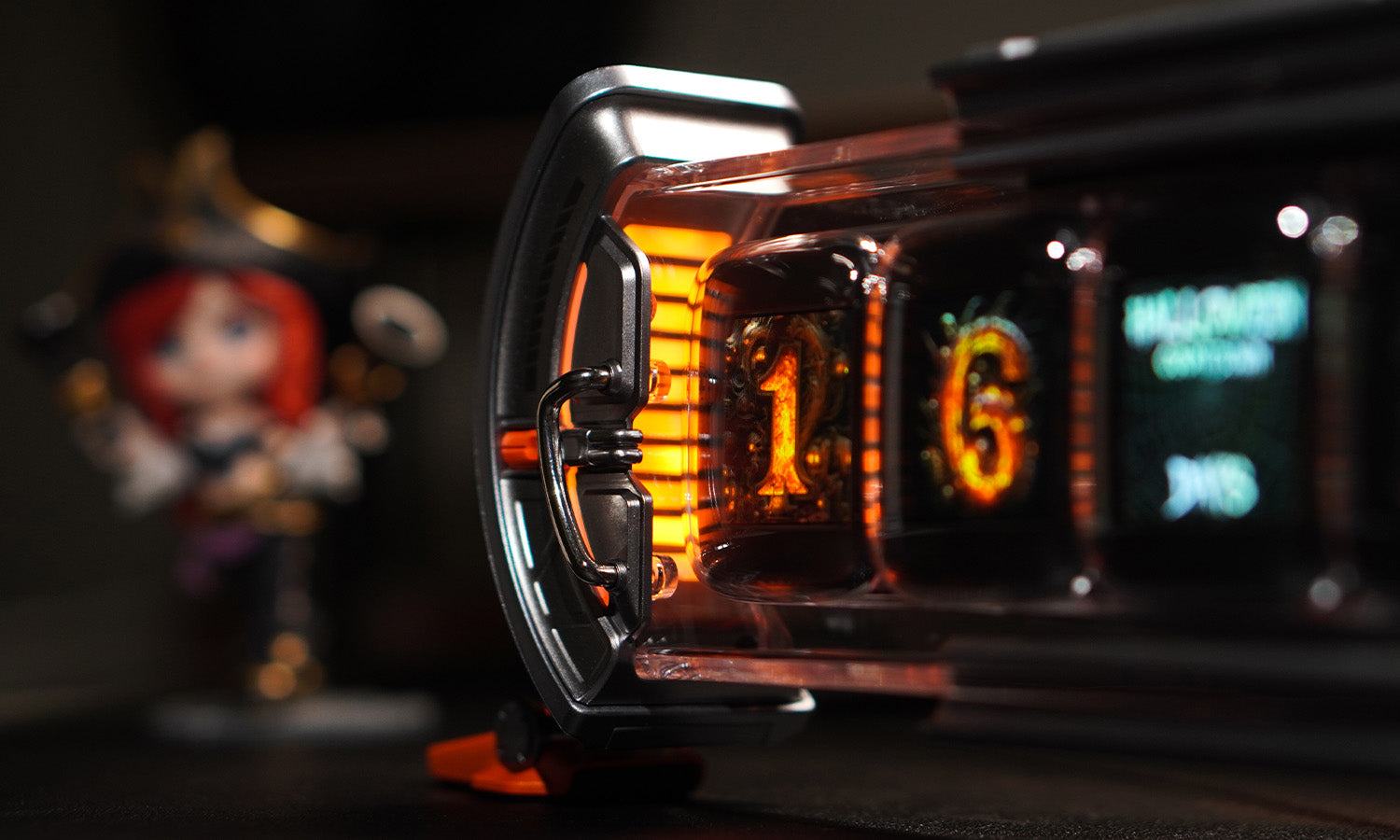
Nixie Tube Clock.
Redefine your desk setup with vintage-inspired style and modern visual appeal.
Hear From the Experts
Specifications

Frequently Asked Questions
Is there a problem of privacy invasion?
Divoom Times Gate has no privacy concerns. It connects via Wi-Fi and uses the Divoom app without collecting or storing personal data, and it is ad-free. The app only accesses necessary functions such as real-time weather updates, which are fully customizable.
Does it have an alarm feature?
Yes. It has an alarm feature that rings precisely at your set time, and you can customize the clock face that appears when the alarm goes off.
Is Times Gate battery-powered or rechargeable?
No. Times Gate is powered by a direct power connection and needs to stay plugged in during use. It does not have a built-in battery and is not rechargeable, ensuring stable performance across all five screens.
Does Times Gate connect via Bluetooth or Wi-Fi?
Times Gate connects via 2.4G Wi-Fi. Wi-Fi is required for setup, app control, content synchronization and real-time data display. Bluetooth is not used for connection.
How can I send suggestions and feedback?
Log into the Divoom app, select “After-sales Support,” and contact the development team. Feedback can be submitted through the app for future device and software optimization.